IDEMIA Public Security provides the foundational identity proofing for issuance of a Microsoft Entra Verified ID to the Microsoft Authenticator wallet
Verify once, use everywhere
IDEMIA is collaborating with Microsoft to support its new Microsoft Entra Verified ID solution, now live on the Microsoft Security Store.
Microsoft Entra Verified ID credentials enable organizations to confirm an individual’s identity and other traits, such as their education or professional certifications or citizenship, without collecting or storing their personal data.
Trusted provider to the Transportation Security Administration ...and various homeland security and federal law enforcement agencies. Our systems operate at more than 1,600 airport checkpoints throughout the United States.
Over 60 years of expertise in advanced identity and biometric solutions Serving commercial, financial, and government organizations. We support U.S. passport technologies, driver licenses in 36 states, and mobile ID programs.
A commitment to accuracy and fairness IDEMIA consistently ranks among the most accurate as tested by NIST, ensuring fair performance across diverse populations. Our liveness detection tools meet ISO/IEC 30107-3 Level 1 and 2 standards with a 0% error rate for detecting spoofs.
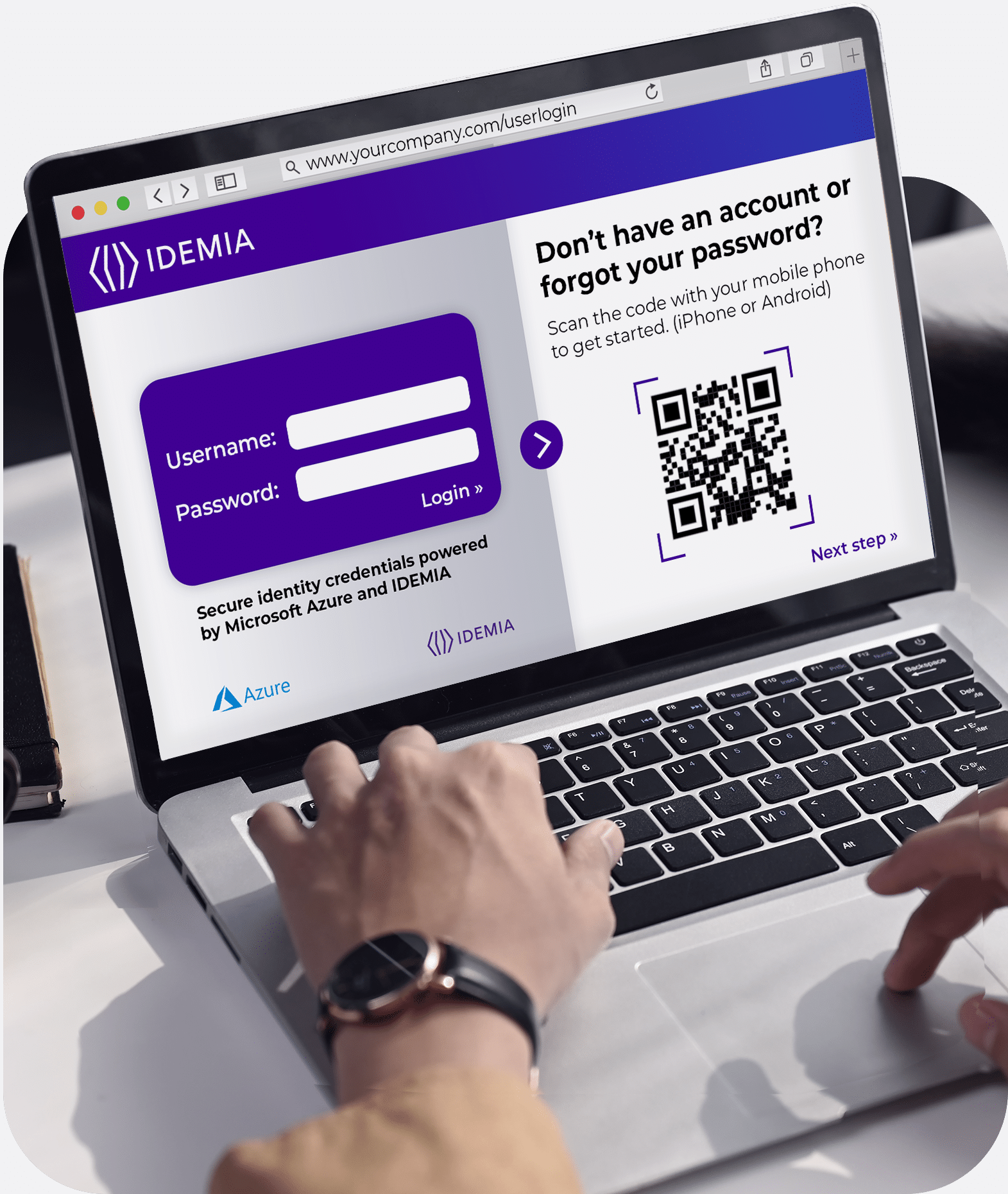
The site needing to verify the user’s identity directs them to the IDEMIA web app for identity proofing.
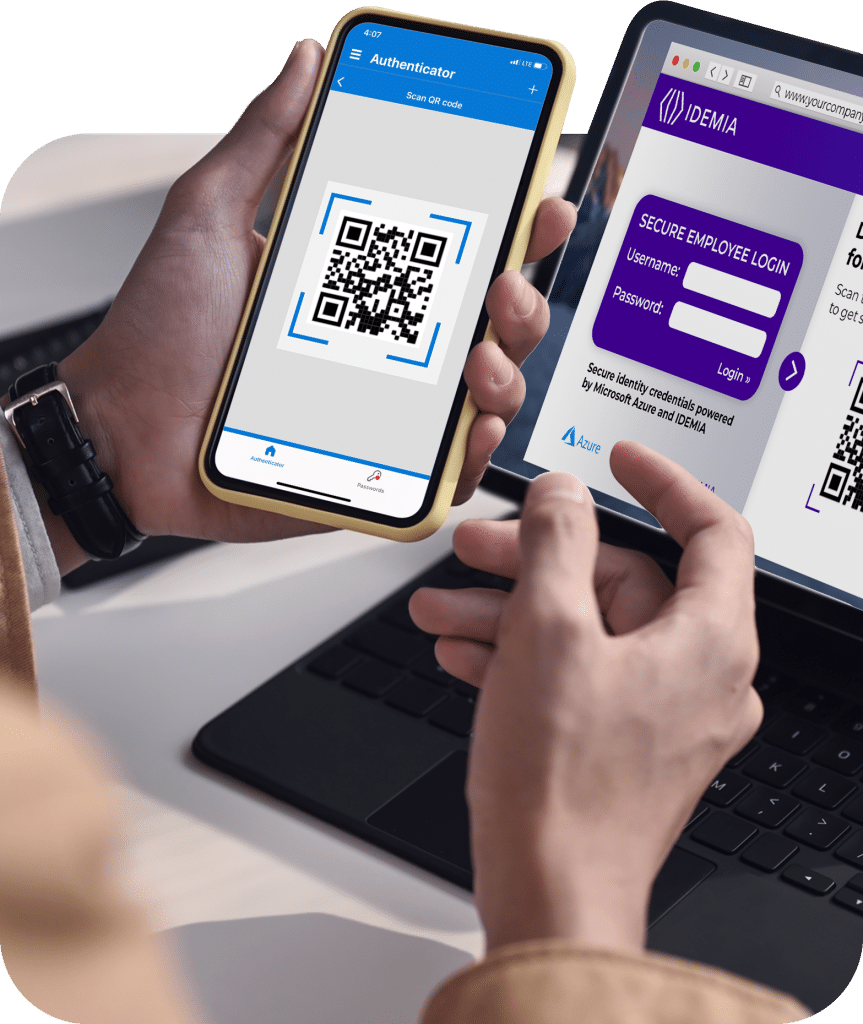
The user scans a QR code to continue on their mobile device (iOS or Android).
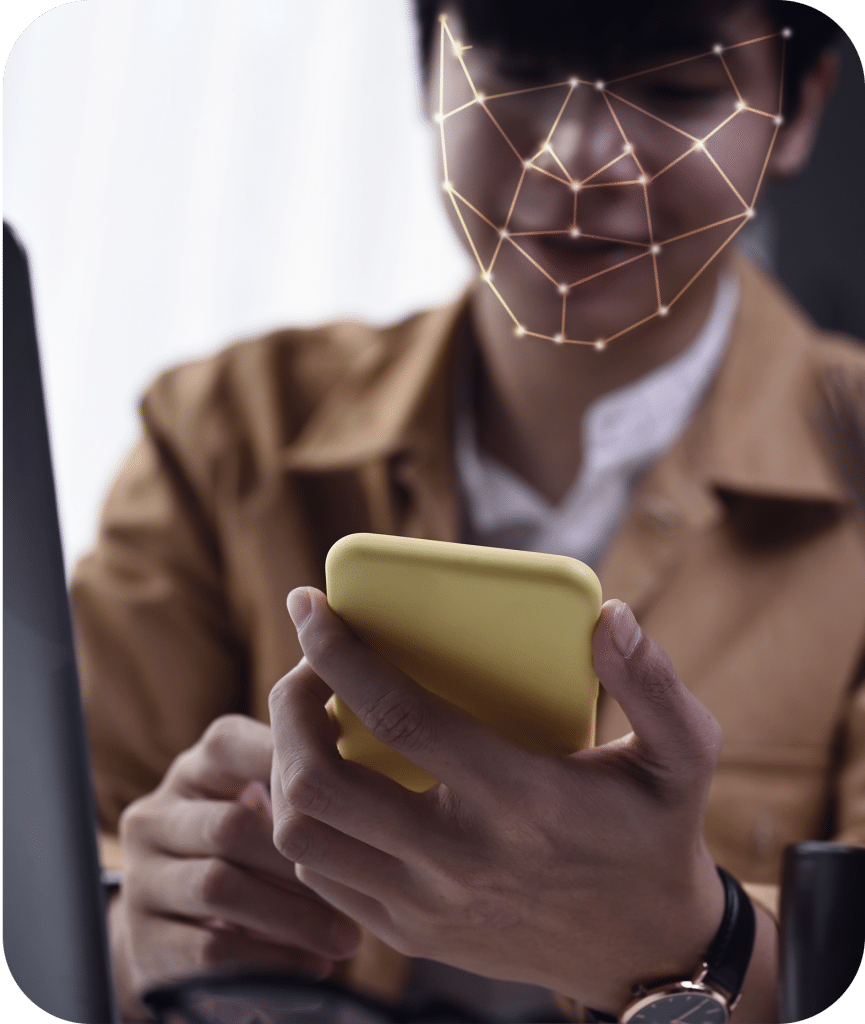
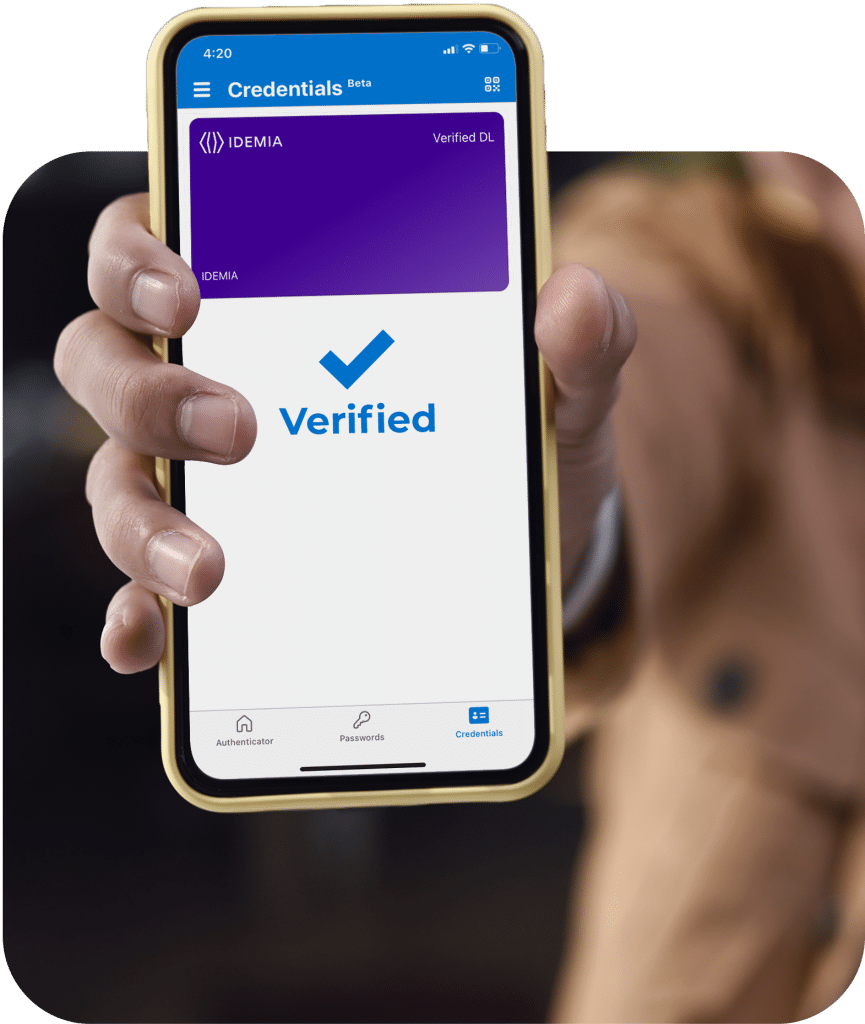
IDEMIA’s mobile web journey walks the user through document capture and selfie capture with liveness detection. If identity verification is successful, a Verified ID is provisioned to the Microsoft Authenticator app on the user’s phone.
If the user forgets a password or needs access to a secure website or app, Microsoft Entra generates a QR code to be scanned from the Authenticator app, allowing the user to verify their identity using their Verified ID.
Digital IDs: A safer, faster, easier way to verify users
Safer
Privacy by design – ensuring protection of sensitive personally identifiable information (PII)
Best-in-class protections against AI deepfakes, synthetic IDs and other related and emerging fraud threats.
Certified to the highest regulatory and data protection standards
Faster
No custom integration
No need to store user PII
Verify once, use everywhere
Easier
Lower cost than proofing from scratch each time
No more multistep document authentication and biometric check every time identity needs to be proven
Verify once, use everywhere
“We are pleased to partner with IDEMIA as one of the leading identity verification providers, so organizations can ensure only the correct person has access to apps and devices.”