
Mobile Biometric Check
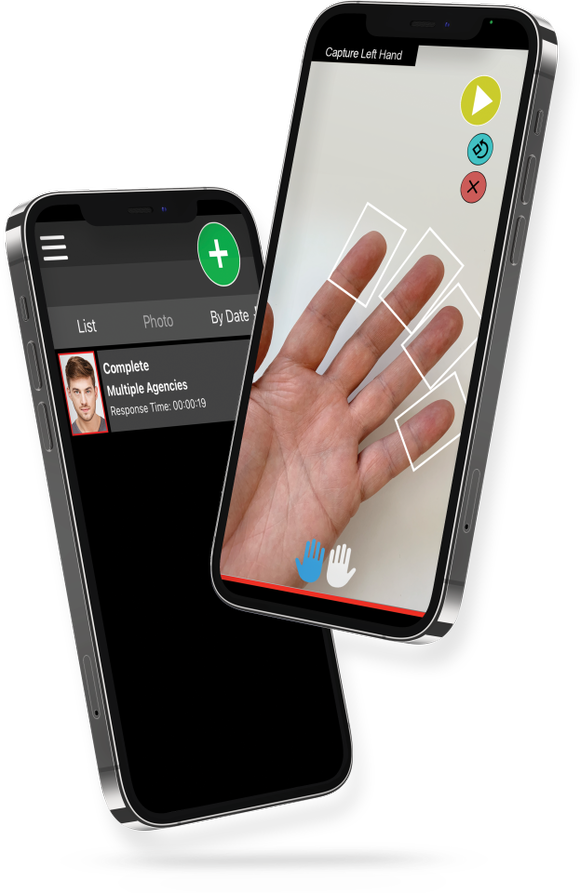
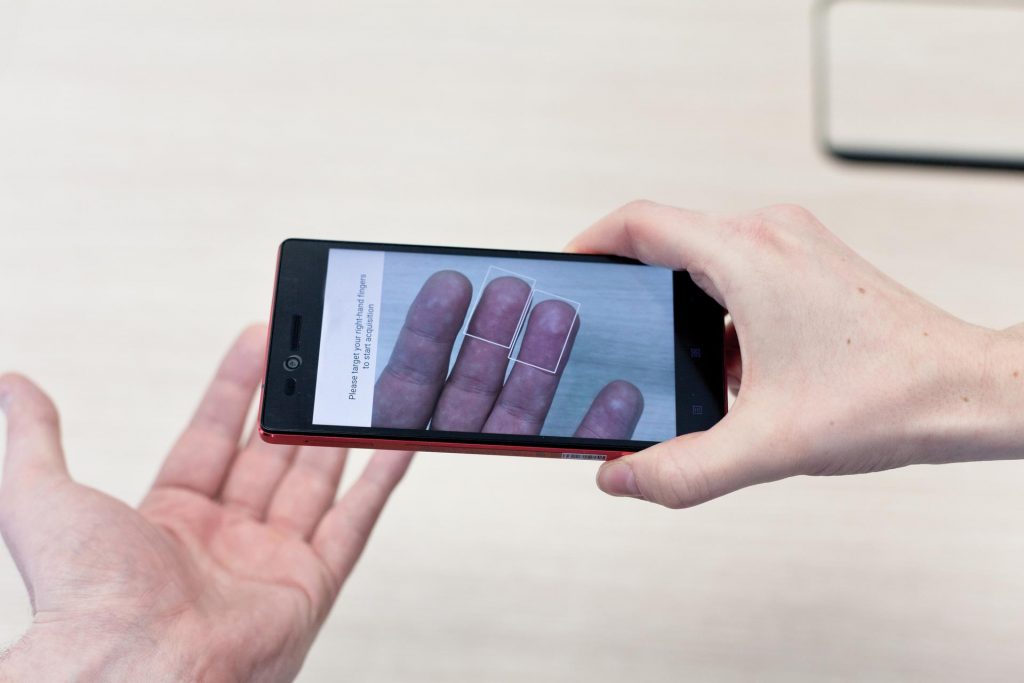
Mobile Biometric Check is an advanced mobile application to help law enforcement, border patrol and fraud investigation officers conduct identification checks on the go. Officers can use their smartphone camera to verify a person’s identity by matching their fingerprints or face against an authorized central law enforcement database. IDEMIA’s industry-leading face and finger identification system quickly returns search results for officer review. Mobile Biometric Check uses cutting-edge contactless technology to automatically detect and capture facial images and fingerprints for rapid identification.
- Easy to use – It’s as easy as taking a picture: the Mobile Biometric Check application uses the camera in the officers’ existing mobile devices, features one-hand operation and requires no direct contact with subjects. The device vibrates when results are ready.
- Secure –The Mobile Biometric Check application usage is protected through two-factor authentication, including a user-defined login and biometric verification, ensuring a secure process.
- Device agnostic – The Mobile Biometric Check application enables the use of existing smartphones, eliminating the cost of additional hardware.